You can add emojis to your topic names, notifications, and content. Keep reading to learn how to add them!
Campaigns
When creating a rich text block, you can utilize the emoji menu to insert emojis into the block. To insert them into other blocks, (i.e. link block), you can use the Emojipedia method outlined in Topics, Shortcuts, and Notifications.
Topics, Shortcuts, and Notifications
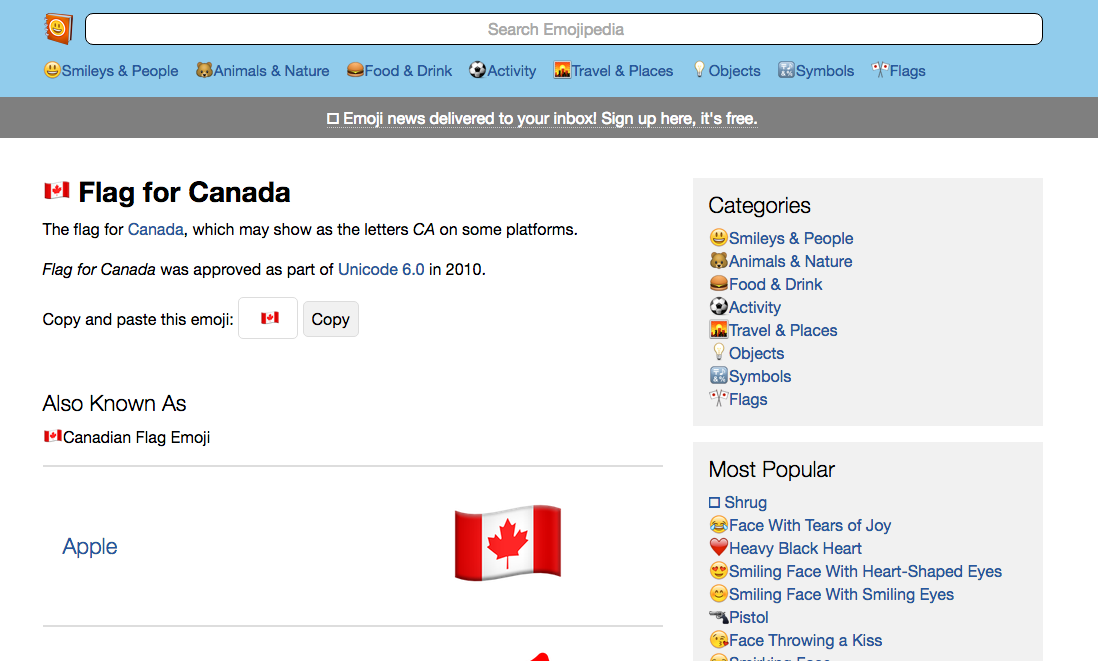
When creating or editing a topic, shortcut, or notifications, you can copy an emoji from Emojipedia and paste the emoji into the text field. These emojis are compatible with the member experience.
Emojipedia
Emoji in Topic Name
Emoji in Shortcut Name
Emoji in Notification
Comments
0 comments
Article is closed for comments.